⌘1 Dashboard
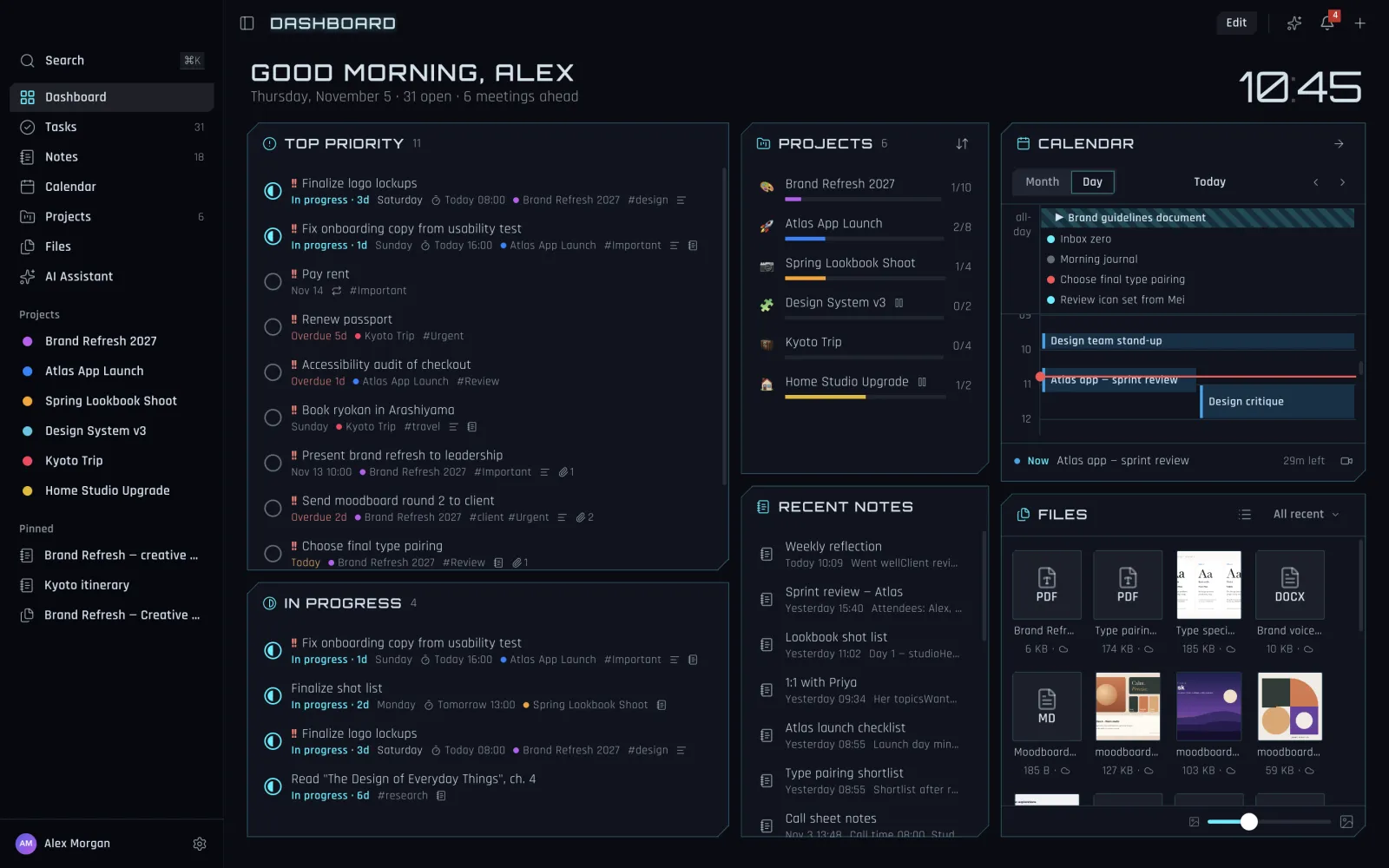
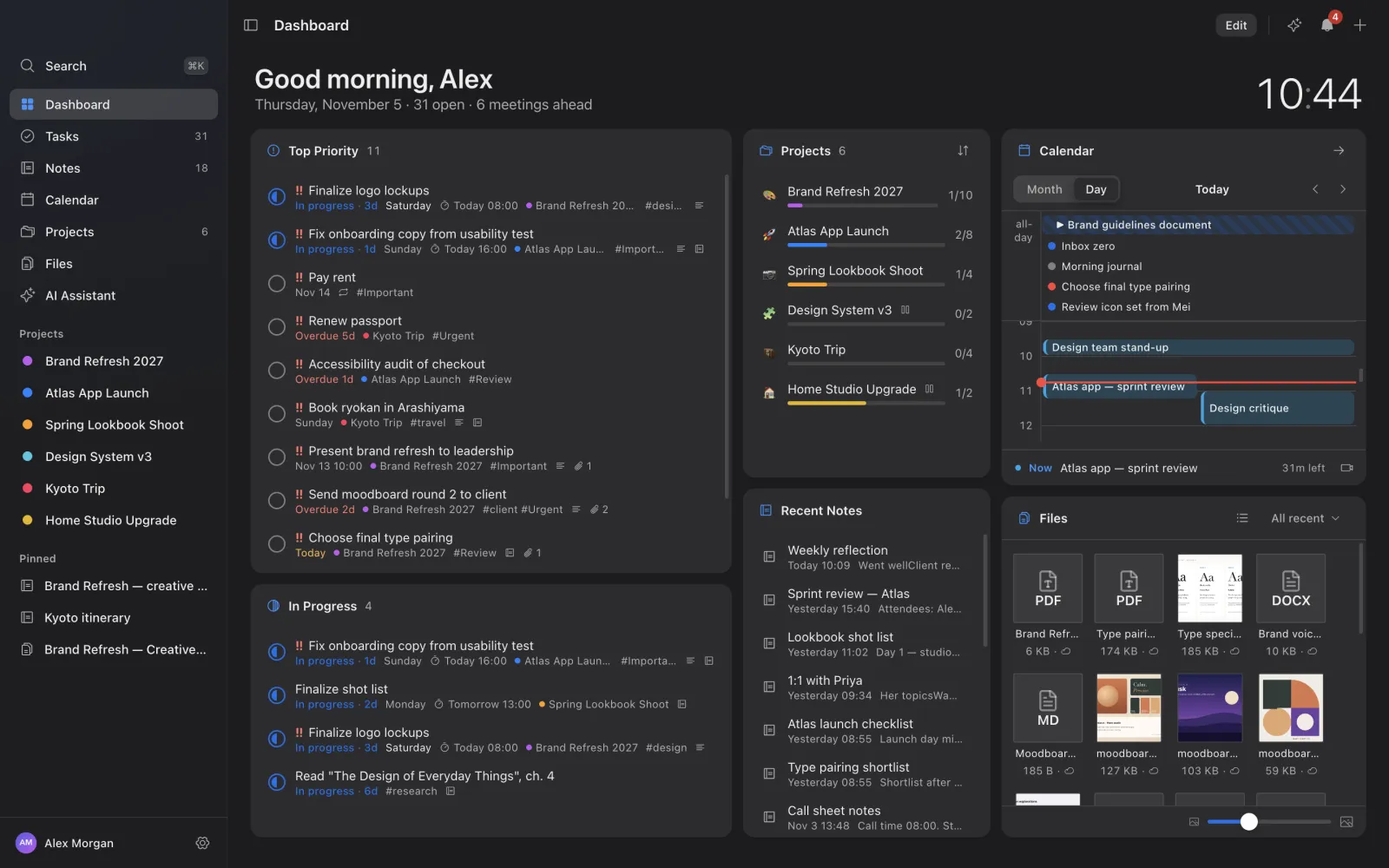
Your day at a glance.
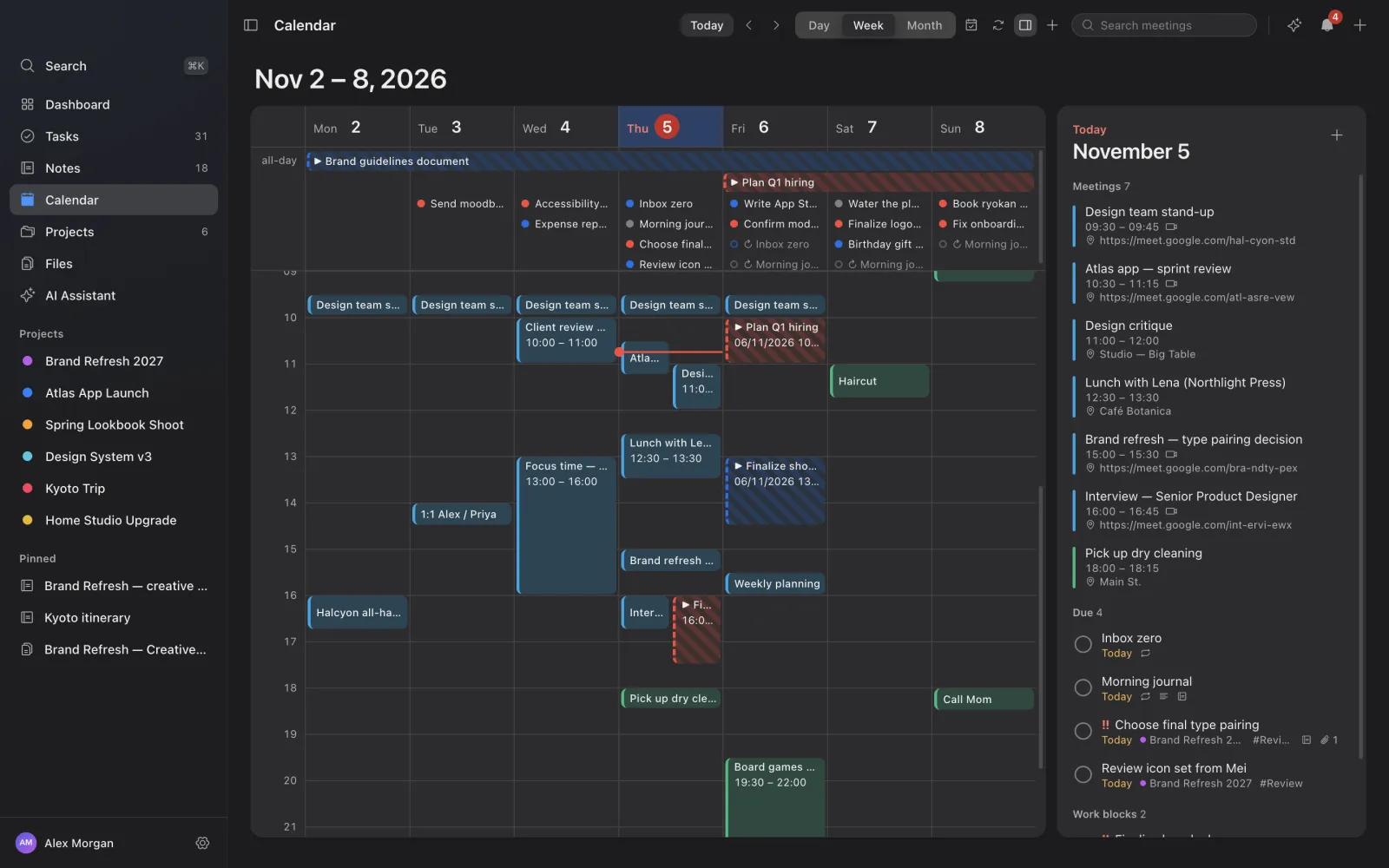
Build the dashboard from the widgets you want. Press Edit, add a widget to an empty place and drag it where it suits you. Pick from thirteen: status and the morning briefing, top priority, in progress, recent tasks, filtered tasks, pinned items, recent notes, a scratchpad, projects, files, the calendar, a clock and the AI assistant.